
Retail Revenue (Snowflake)
Prerequisites
- To connect your Snowflake account for retrieving Retail sales data, follow the below instructions. If you have any trouble accessing this information, your Prescient CSM is available to assist you.
Expected Table Schema
Our integration expects access to a single table that aggregates your key daily offline metrics. This table should follow the schema below:
| Column Name | Type | Required | Description |
|---|---|---|---|
| date | DATE | Yes | Reported date in YYYY/MM/DD format. Dates need to either be daily or a consistent day of the week when aggregating to weekly values. |
| revenue_amount | FLOAT | Yes | Total revenue that will be modeled against. |
| revenue_ccy | STRING | Yes | Currency the revenue is in. |
| date_aggregation | STRING | Yes | The data aggregation level D(aily) or W(eekly). The weekly aggregation is assumed to end on the date you give it in the column. |
| total_units_sold | INTEGER | No | The total number of units sold in the time period. |
| num_of_stores | INTEGER | No | The total number of actively selling stores in the time period. Count of all stores with sales greater than 0 in the specific time period. |
Note: The recommendation is for the data to be aggregated at the daily level, with one row per date. If that is not possible then a weekly rollup to the start of week can be supported.
Setup Instructions
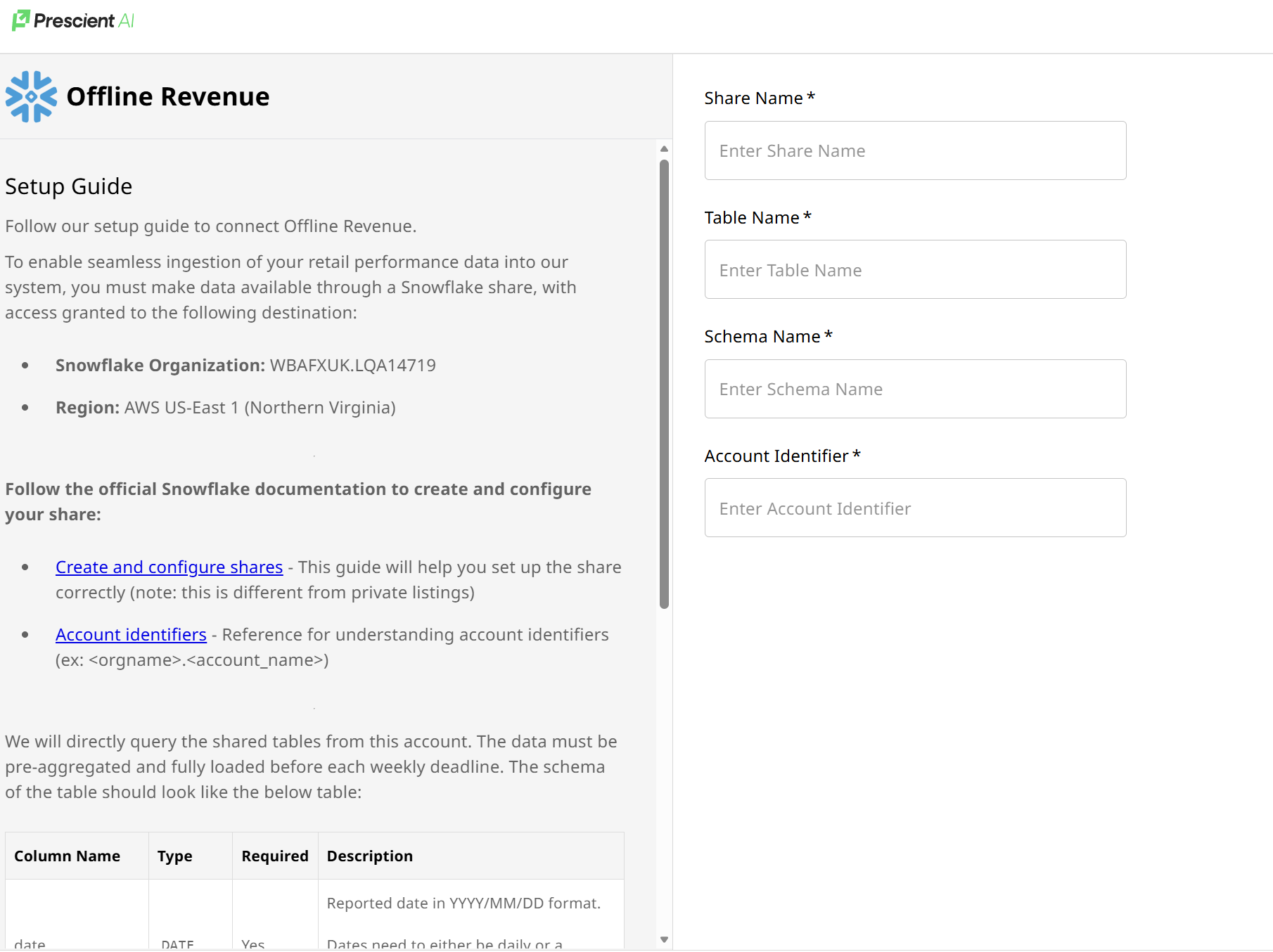
Follow our setup guide to connect Offline Revenue.
To enable seamless ingestion of your retail performance data into our system, you must make data available through a Snowflake share, with access granted to the following destination:
- Snowflake Organization: WBAFXUK.LQA14719
- Region: AWS US-East 1 (Northern Virginia)
Follow the official Snowflake documentation to create and configure your share:
- Create and configure shares - This guide will help you set up the share correctly (note: this is different from private listings)
- Account identifiers - Reference for understanding account identifiers.(ex: <orgname>)
Updated 5 months ago
Did this page help you?